Find answers in your documents with the AI tutor
Enable employees to quickly find relevant information in shared documents and verify the source of every answer.
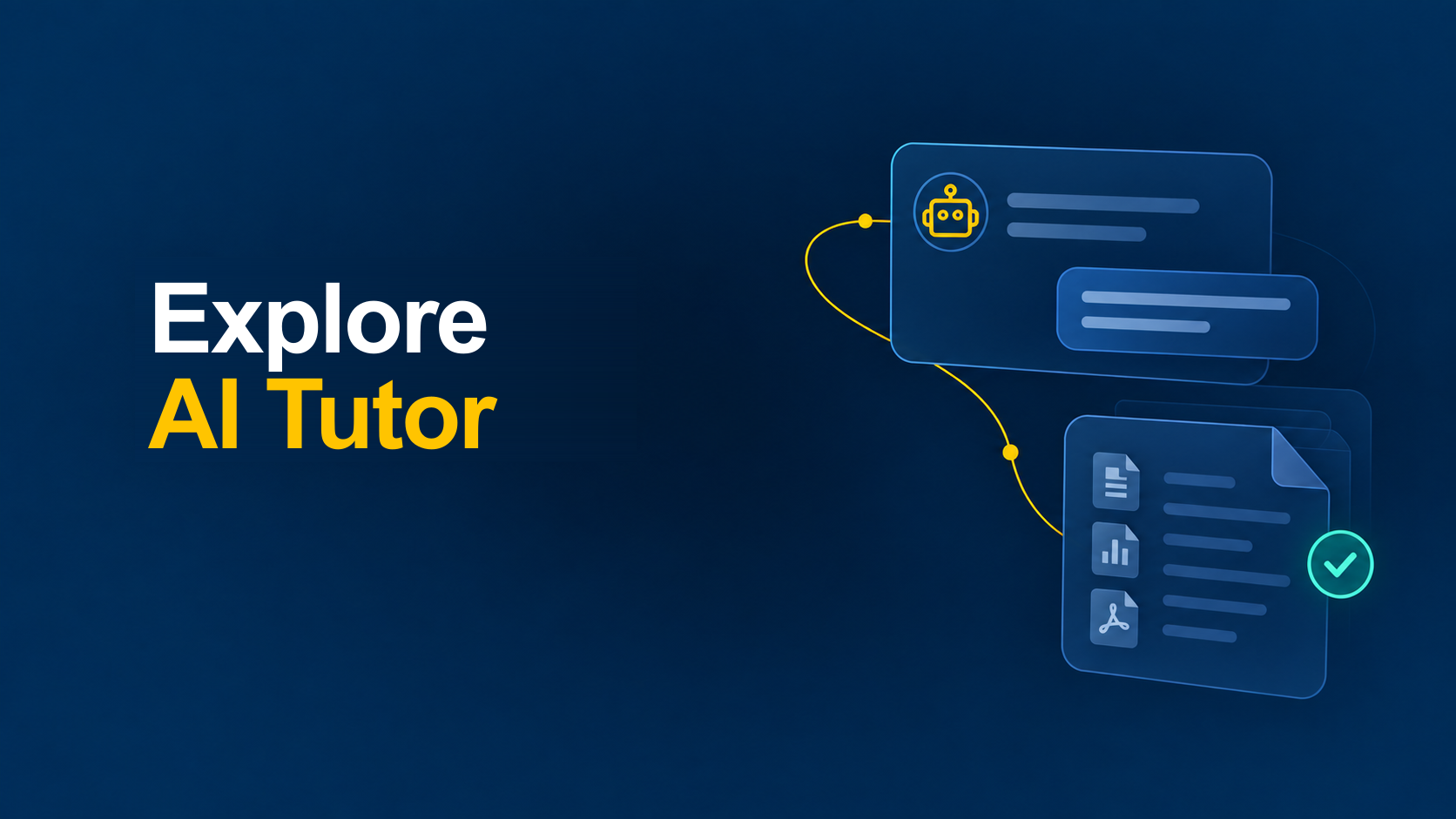

How the AI tutor works
Create an AI tutor
The administrator determines the AI tutor's purpose, instructions, and communication style according to the organization's needs.
AI tutor capabilities
The AI tutor adapts to your organization's content, users, and business processes, providing employees with verifiable information, business situation simulations, and feedback to support the development of their competencies.
Access based on user permissions
Access to the AI tutor requires signing in to Performa 365. Each user receives information only from documents and content for which they have the appropriate permissions.
AI tutors tailored to different needs
An organization can define the purpose, communication style, instructions, and knowledge sources for each AI tutor, adapting it to a specific department, business process, or area of knowledge.
Support for different documents and languages
The AI tutor can use PDF and Word documents, PowerPoint presentations, Excel files, and other supported formats. Users can ask questions in Croatian or English.
Simulations and feedback
The AI tutor can take on the role of a customer, client, or other person and simulate realistic business situations. After the conversation, it analyzes the employee's responses and provides feedback based on predefined instructions and criteria.
Frequently asked questions
See how the AI tutor can help your organization
We present the AI tutor's capabilities in everyday work, from finding verifiable information in internal documents to simulating business conversations and providing feedback to employees.

Conversation transcript
- Email Security Coach: An urgent payroll email asks you to open an attachment and confirm your password. What would you do?
- Employee: The sender’s name looks familiar, so I’d open the attachment. Is that okay?
- Email Security Coach: Needs improvement. A familiar display name alone is not enough verification, and opening a suspicious attachment after a password request is unsafe because phishing often uses trusted-looking messages to steal credentials.
- Employee: I wouldn’t open the attachment or share my password. I’d verify the request through a trusted channel and report the email.
- Email Security Coach: Correct response. Avoiding the attachment and password request, verifying through a trusted contact channel, and reporting the message align with phishing awareness and response practices in the document.